Windows
x64 · EXE installer or MSI package
Windows downloadsTurn a headless system into a virtual desktop. Files, terminals and apps, together in one graphical interface.
Free and open source · Available for Windows, Linux and macOS · SHA-256 checksums in every release
The latest public preview has downloads for Windows and Linux on x64, and macOS on Intel and Apple silicon. Choose your package on the release page.
x64 · EXE installer or MSI package
Windows downloadsx86_64 · AppImage, Debian package or RPM
Linux downloadsDMG · separate builds for Apple silicon and Intel
macOS downloadsCompare your download with the release's SHA-256 checksums. Windows installers are not code-signed and macOS builds are not notarized. Linux and macOS desktop workflows still need broader hands-on testing. Installation guide
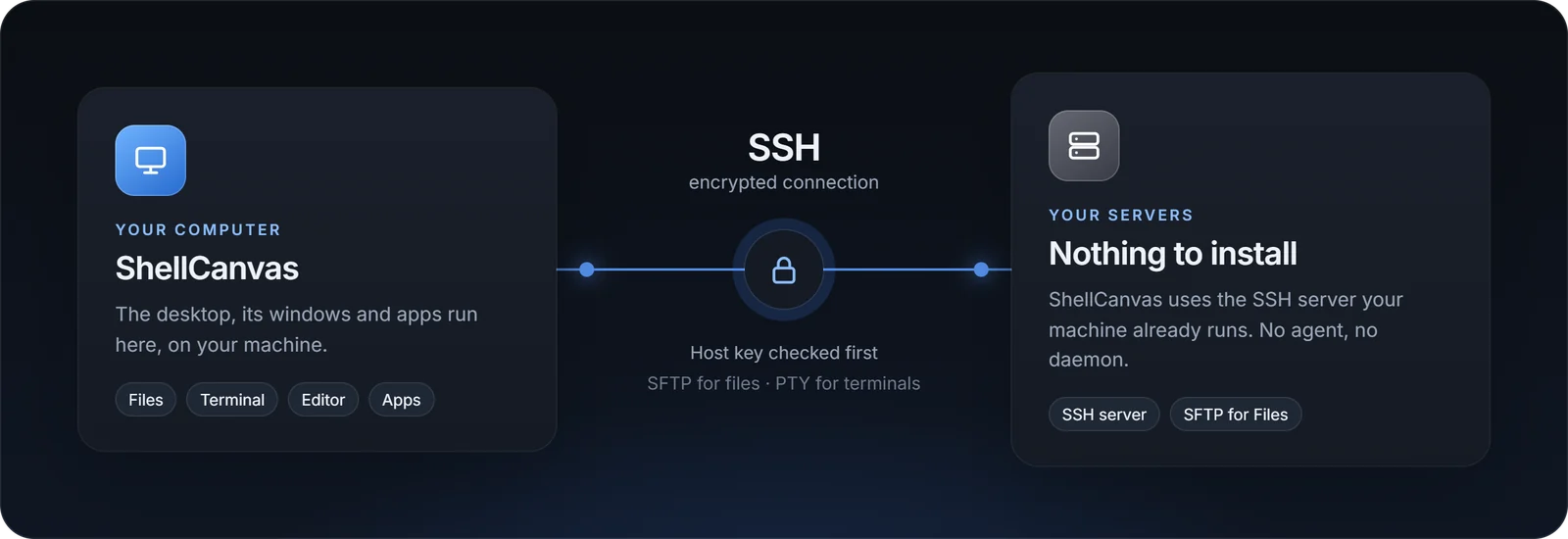
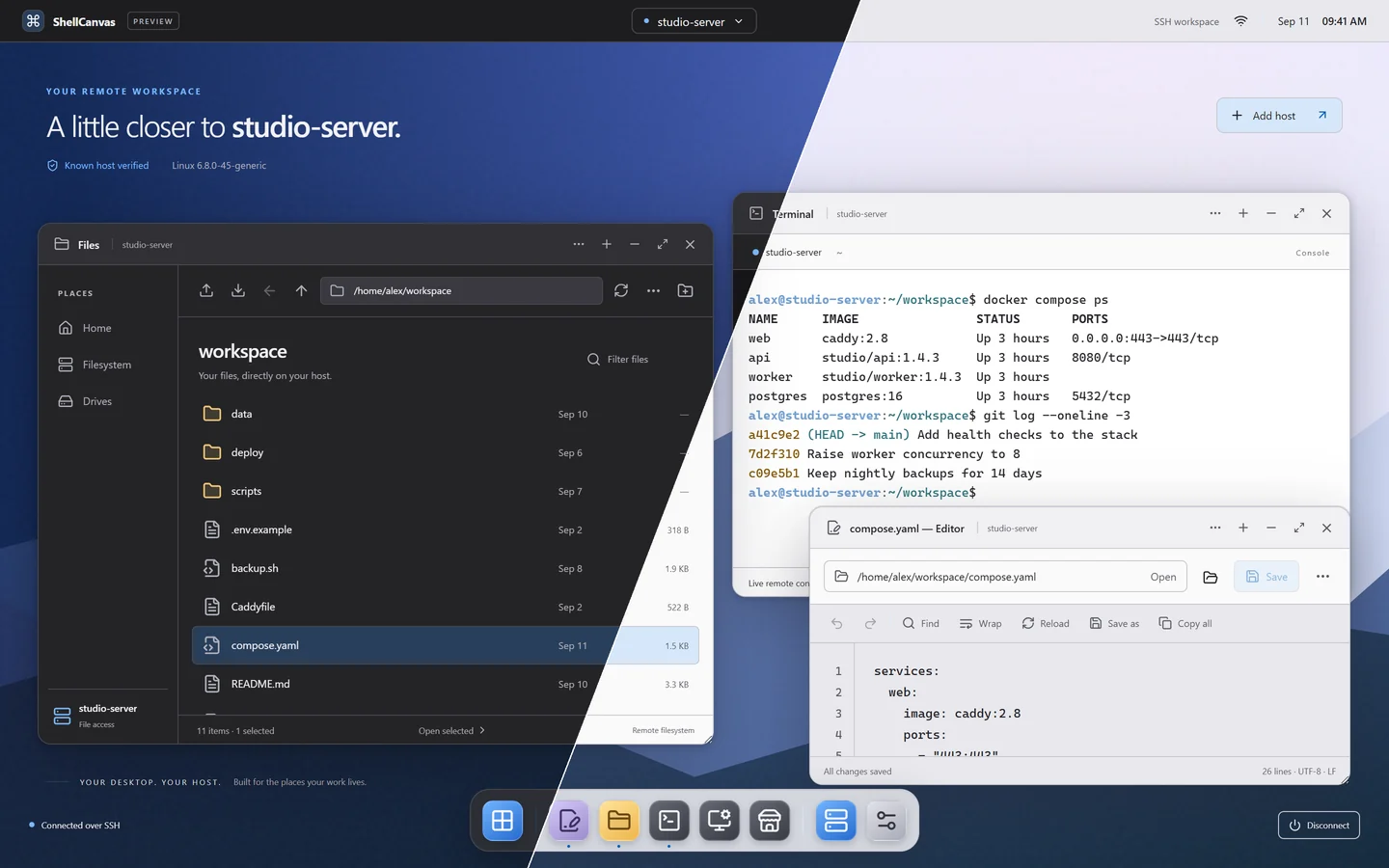
The desktop runs on your computer, connected to the remote system over SSH. Browse files, edit text and open terminals in a familiar graphical workspace.
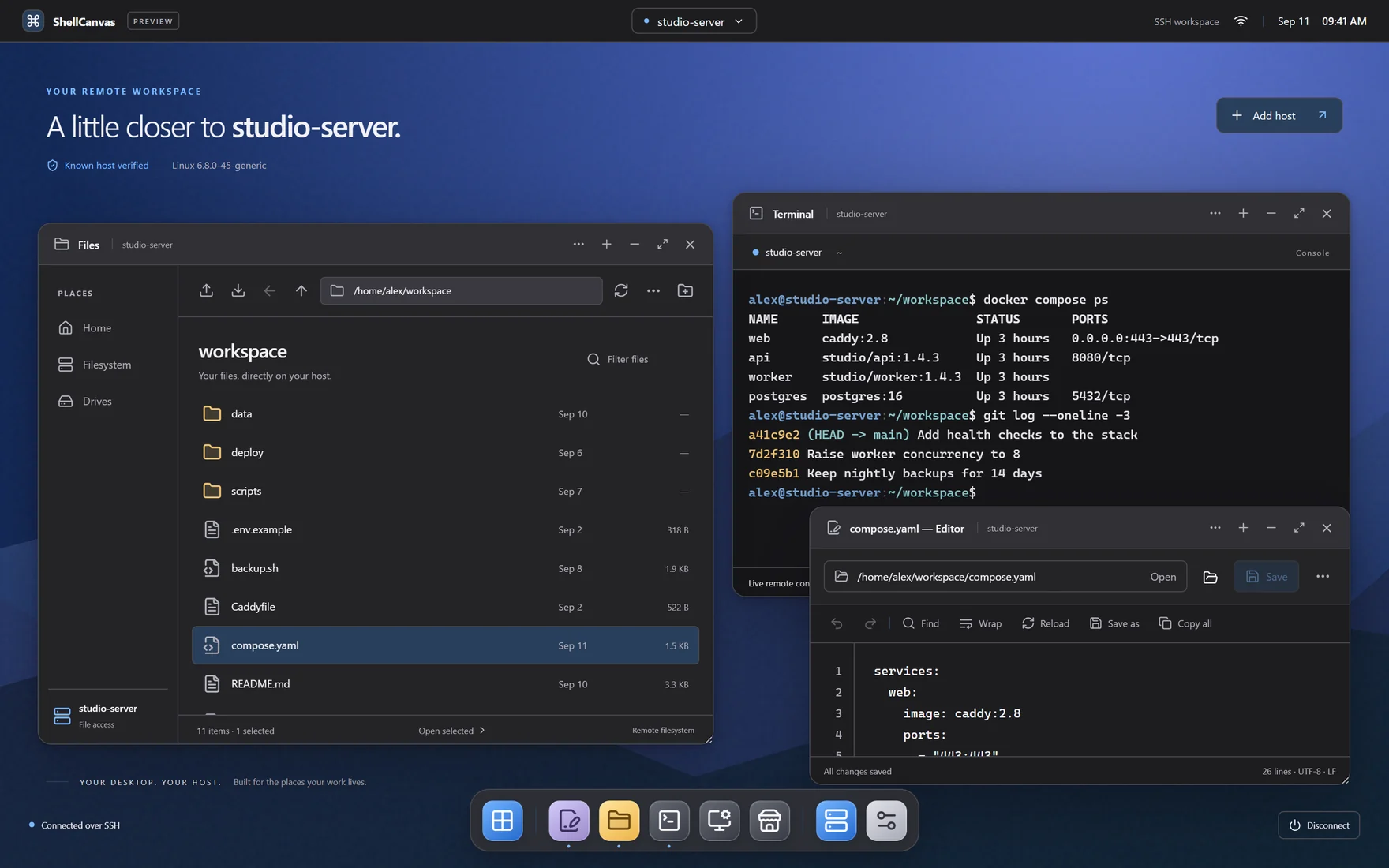
Browse files, open an editor and run commands side by side. Arrange your windows around the work in front of you.
Move between connected machines while keeping each workspace’s windows, folders and terminal sessions in place.
Use your machine’s existing SSH server, with SFTP for files. No ShellCanvas agent to install on the remote host.
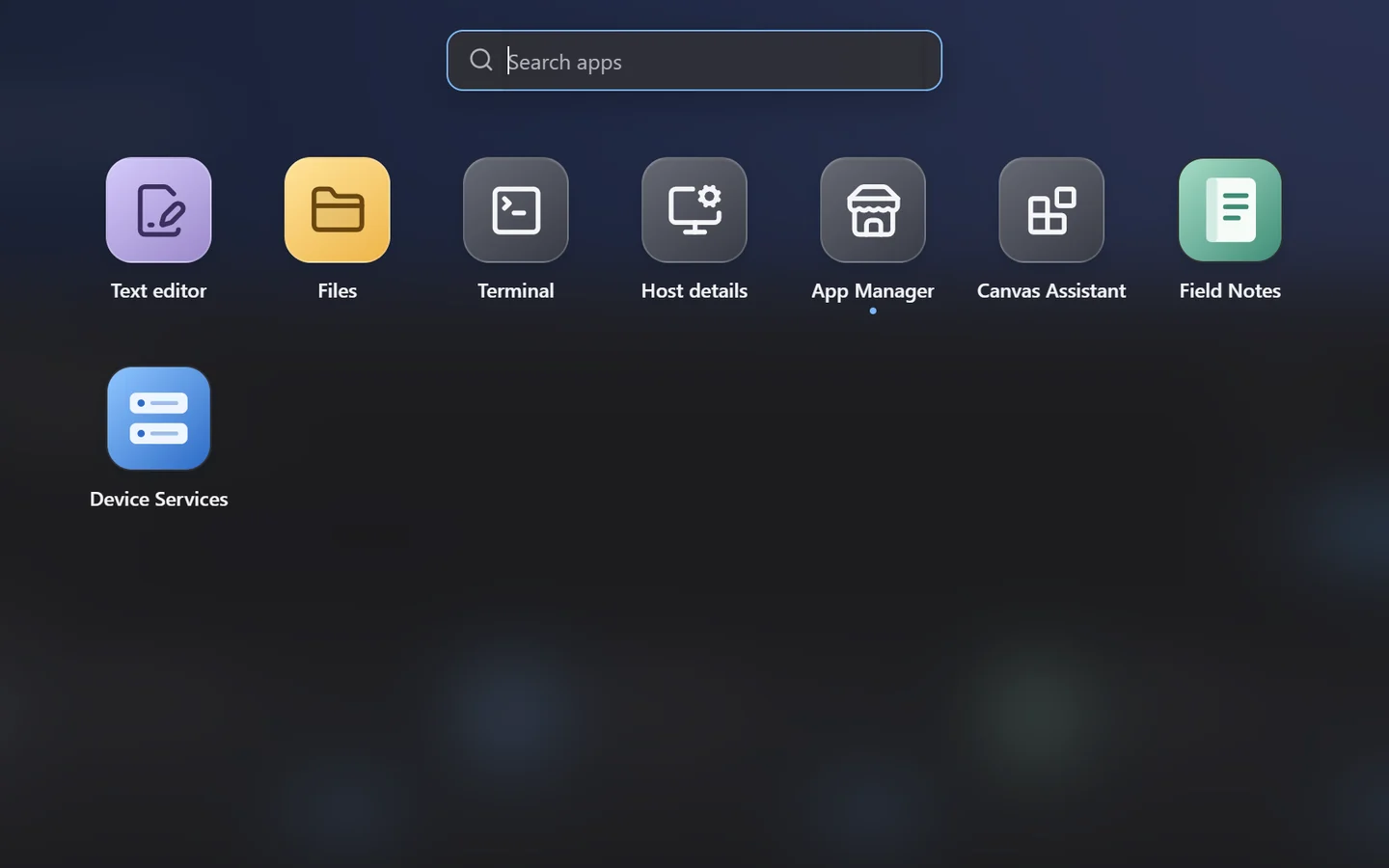
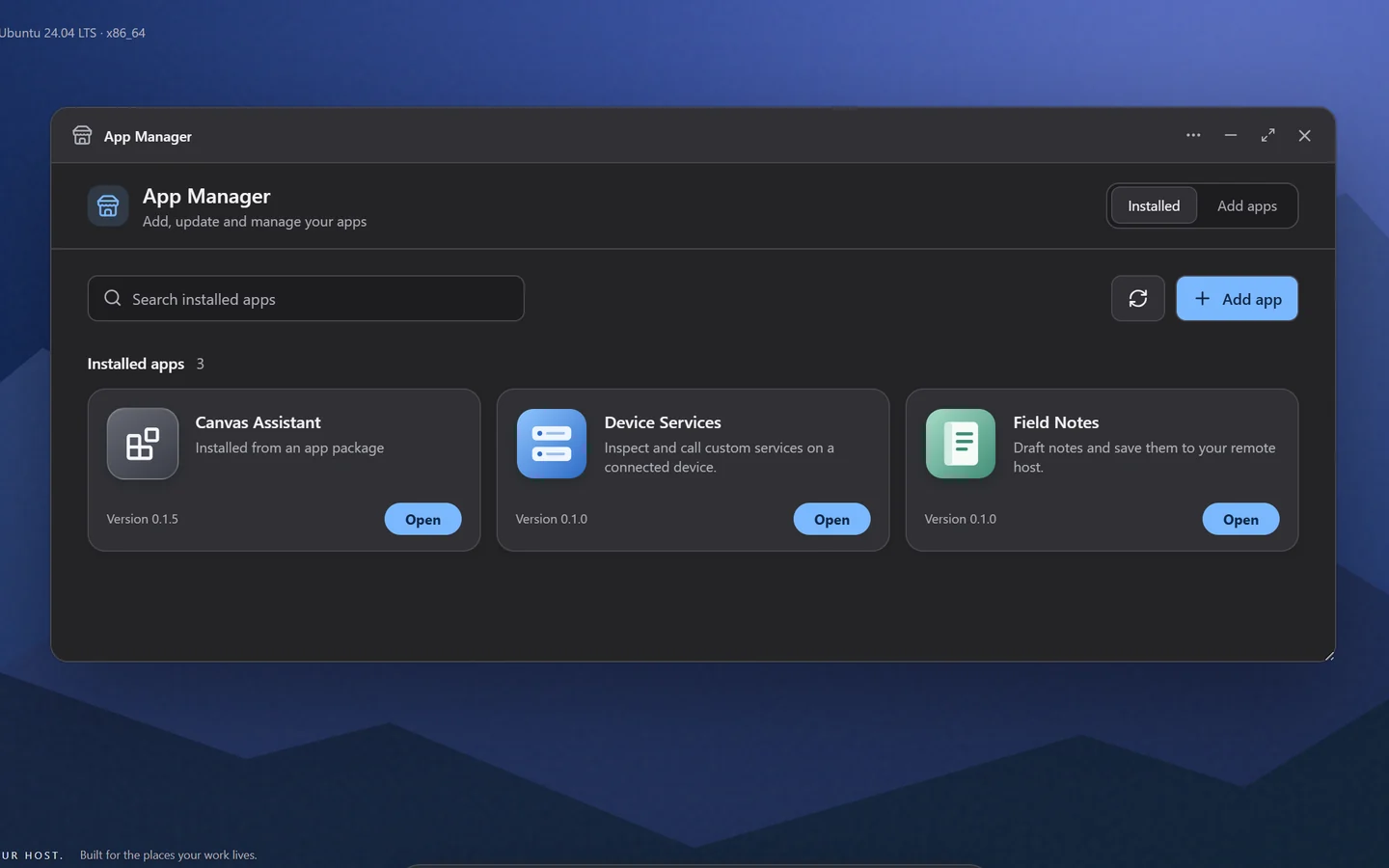
Add apps for the way you work. Bring an assistant into your canvas. Make it yours with themes, or build something new with the developing app and adapter SDKs.
Explore the projectTools that fit your work
AI, inside your workspace
A space that feels like you
Build beyond the built-in
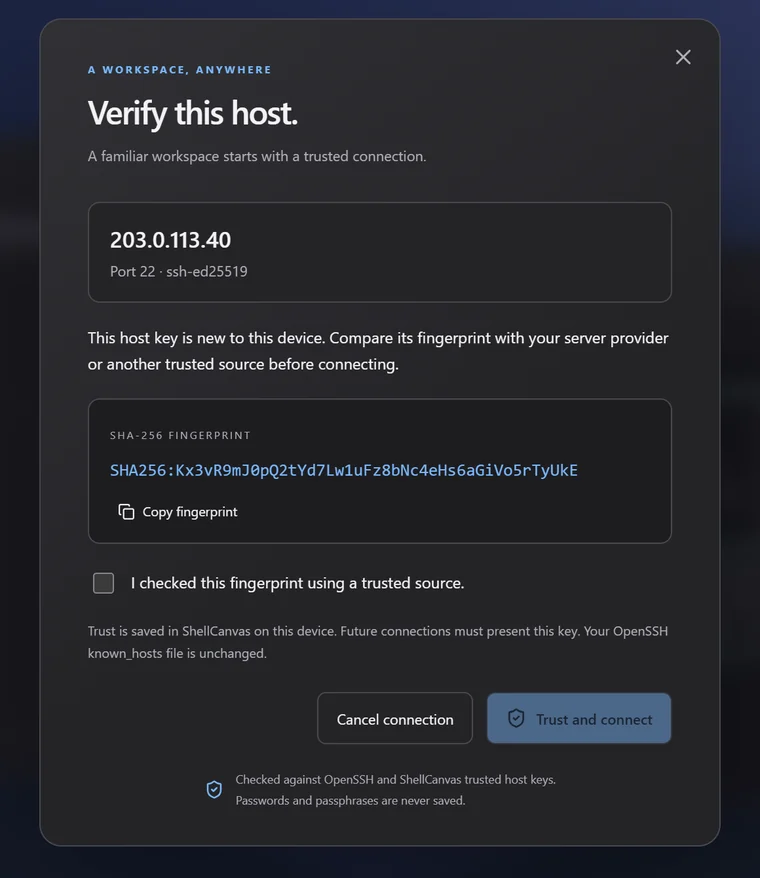
A host key you have not seen before is shown in full, with its fingerprint, before you sign in. ShellCanvas checks it against your OpenSSH known_hosts and its own trust store, and refuses a server whose key has changed.
Passwords and key passphrases are never saved. Saved hosts keep only the connection details you typed.
ShellCanvas is an open-source project in active development. We’re building a more natural way to work with the machines you depend on.
Public preview · Built with Tauri & Rust · MPL-2.0